

Keyboard shortcuts
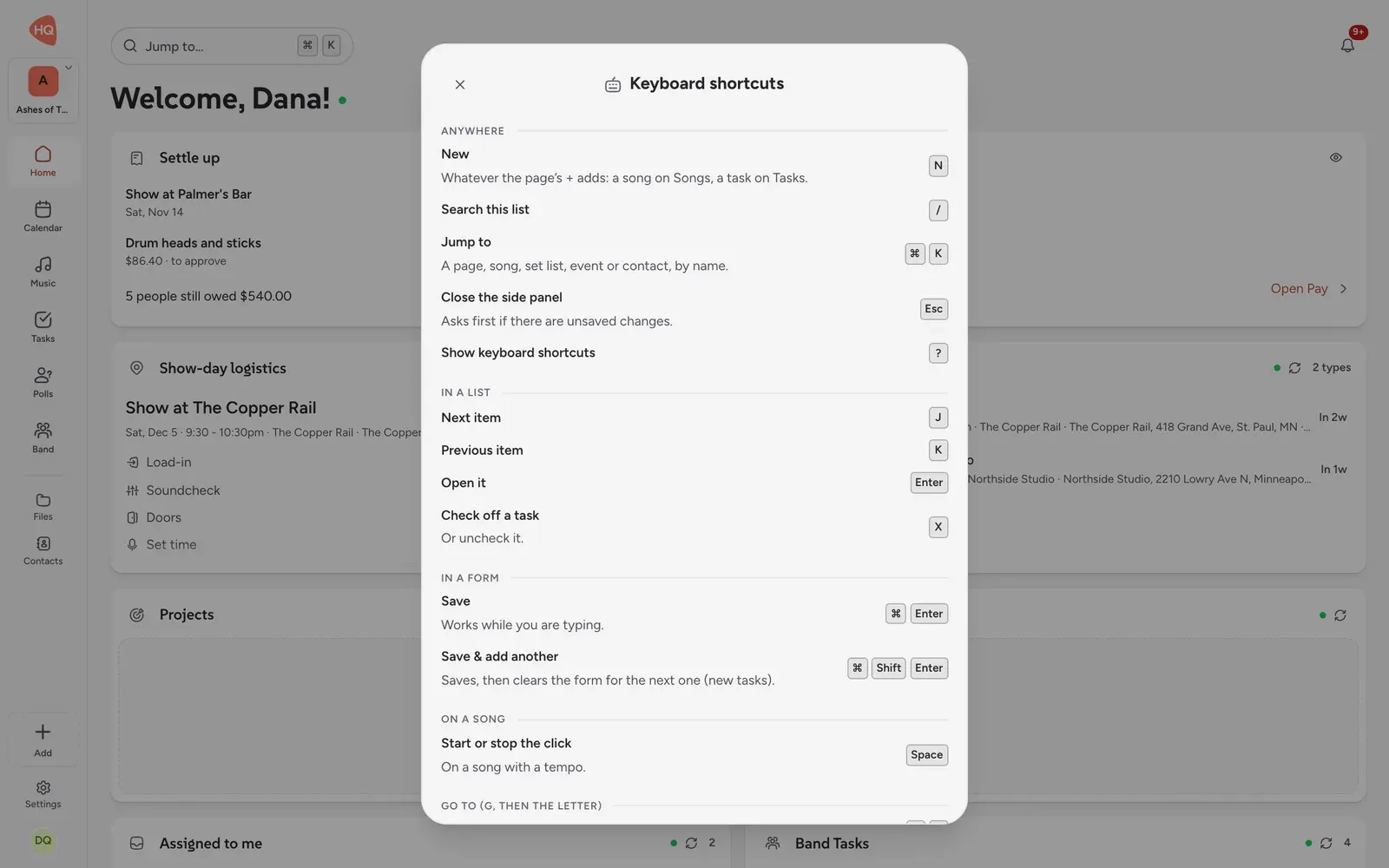
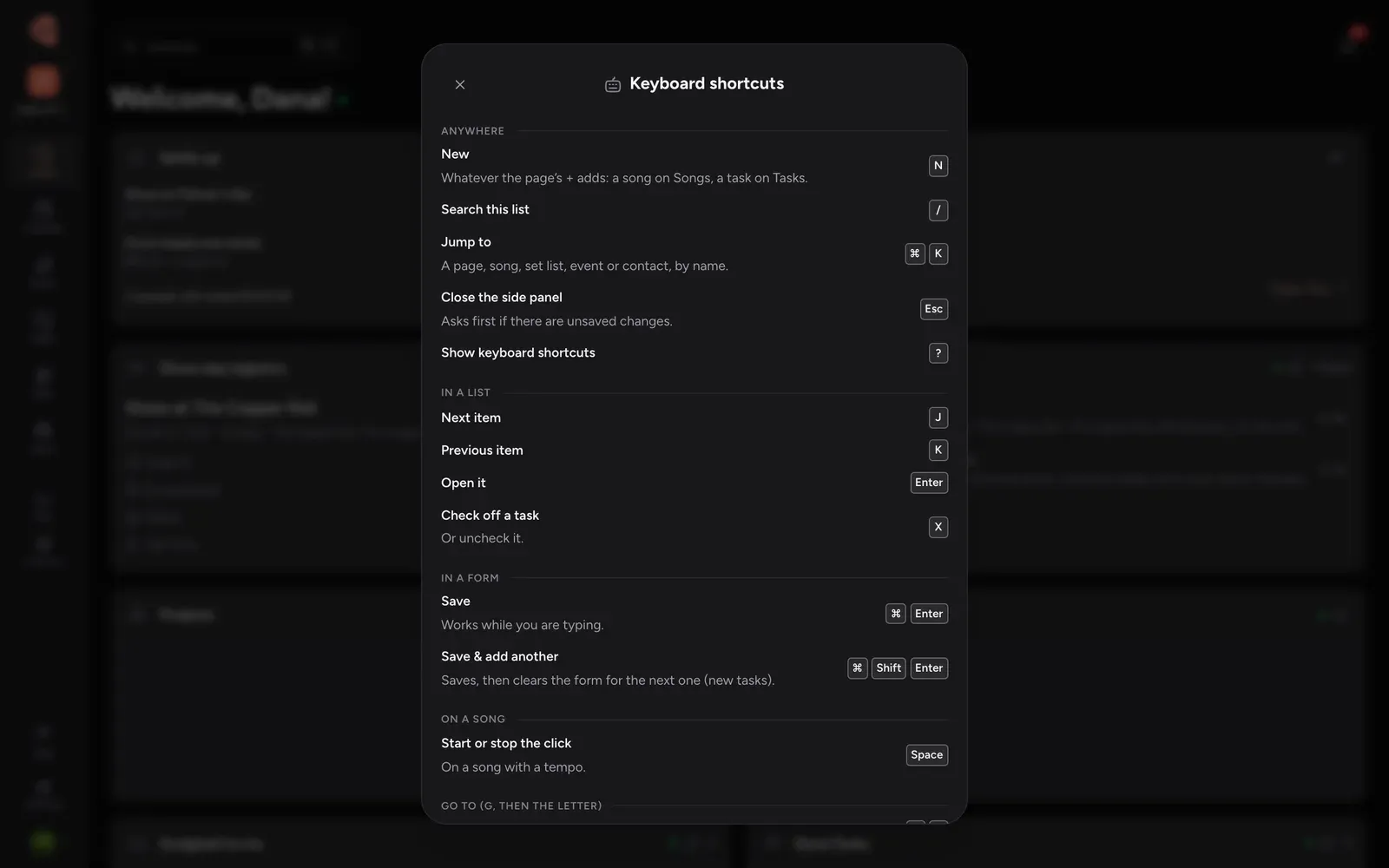
On a computer or a tablet with a keyboard, press ? anywhere in Bandmate HQ to see every shortcut.
The ones to learn first
Section titled “The ones to learn first”| Keys | What it does |
|---|---|
| Cmd K or Ctrl K | Jump to any page, song, set list, event, or contact |
| N | The page’s main action, such as New song |
| Cmd Enter or Ctrl Enter | Save the form you’re typing in |
| Esc | Close what’s on top |
| J and K | Move between cards in a list |
| G, then a letter | Go to a section |
On a song and in Stage Mode
Section titled “On a song and in Stage Mode”| Keys | What it does |
|---|---|
| Space | On a song: start or stop its click. In Stage Mode: play or pause the song |
| Esc | In Stage Mode: leave it, asking first while something is playing |
Turn off single-key shortcuts
Section titled “Turn off single-key shortcuts”Shortcuts that are one key, such as N or ?, never fire while you’re typing. If they get in your way anyway, turn them off in Settings, then Appearance, or from the ? sheet. Shortcuts with Cmd or Ctrl always stay on.