

Pay and settling up
Pay works out what everyone is owed from a gig and keeps a clear record of who has been paid. Find it under Band, then Pay.
Set it up once
Section titled “Set it up once”On Pay, open the ⋯ menu and choose Pay settings. There you pick the band’s Treasurer, say who sees what, and set how the band splits a gig: what goes to the band fund, and whether everyone gets an equal share or a set number of shares. Someone can also be paid a flat amount instead of a share.
A band admin chooses the treasurer and who sees what. Admins and the treasurer can change the split.
Settle up after a gig
Section titled “Settle up after a gig”A show that has happened and isn’t settled yet waits under Needs you. Press Settle up:
- Enter what the band was paid.
- Add any expenses, such as gas or a hotel, and who paid for them. Whoever paid gets it back before anything is split.
- Tick who played, with a share or a flat amount each.
- Save. Everyone sees their own line, and Who is owed shows what is still to pay.
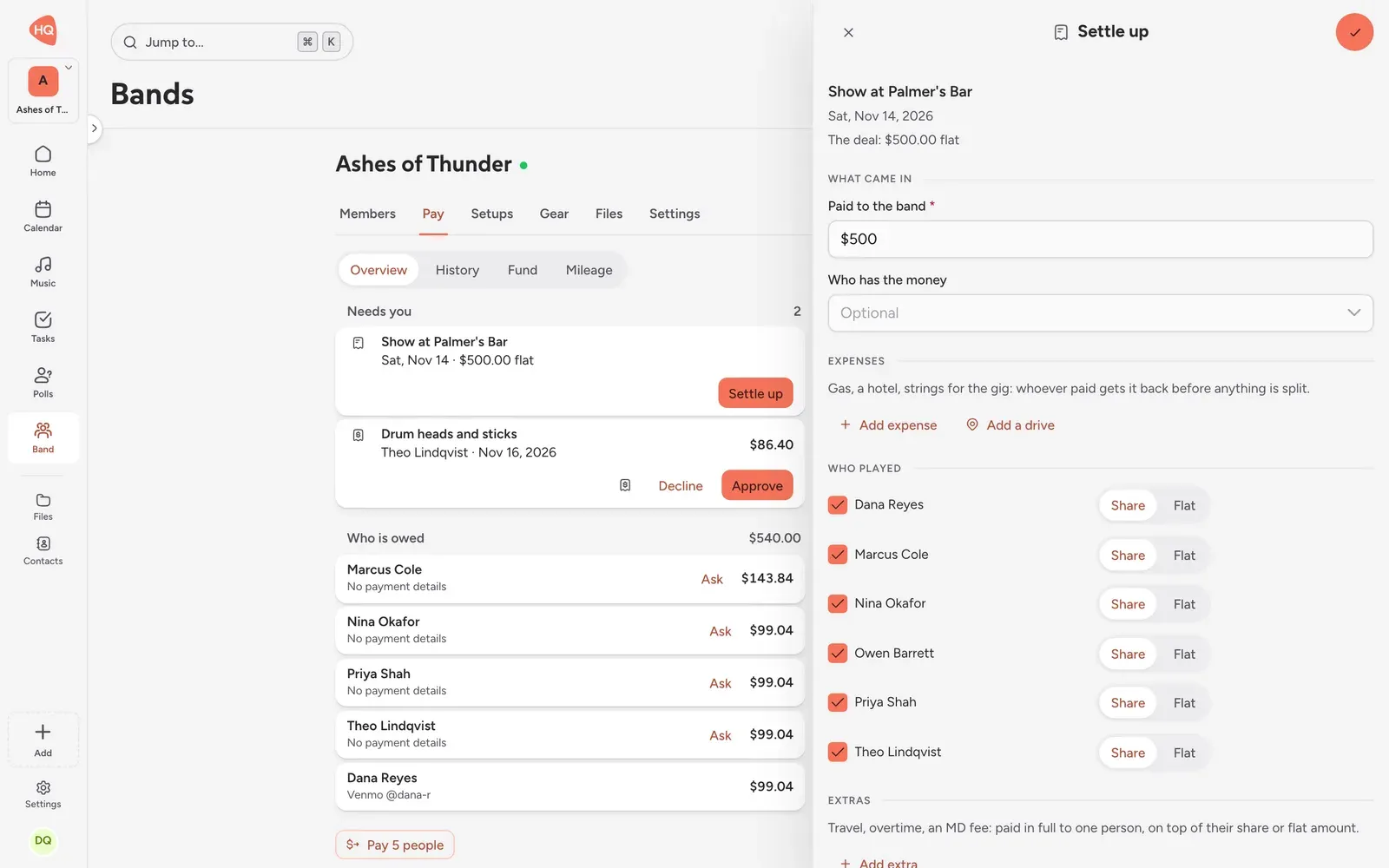
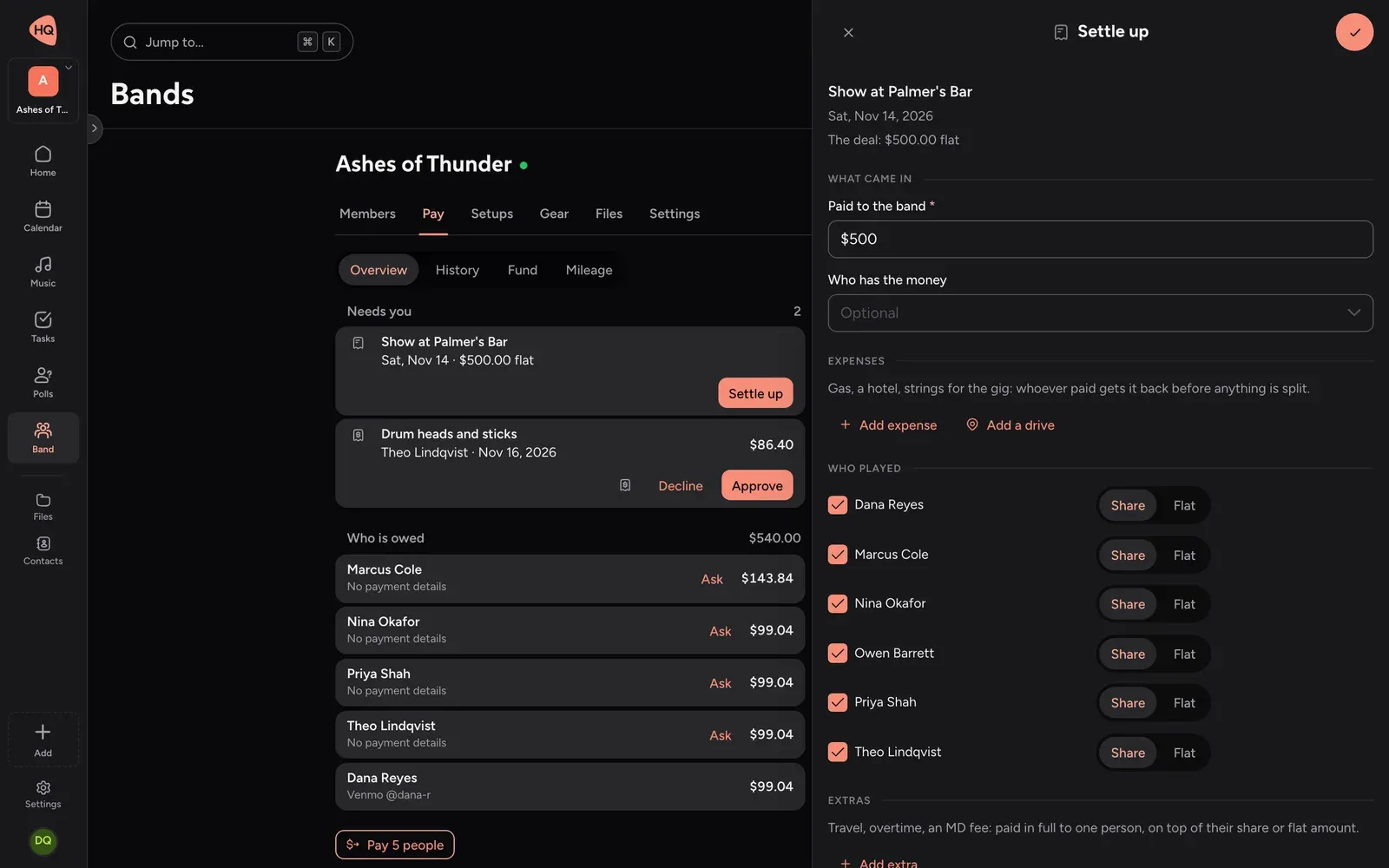
Flat amounts are always paid in full, and every cent adds up to what came in. When you pay people, record it with Record a payment, or pay everyone owed at once from Who is owed.
Expenses
Section titled “Expenses”Spent your own money on strings or gas? On Pay, press Send an expense, add a photo of the receipt, and send it to the treasurer. It counts once it is approved. The treasurer sees it under Needs you, with Approve and Decline.
The band fund
Section titled “The band fund”Fund shows the band’s money in and out, by category, for any year or all time, and what the fund holds now. Give each expense and income a category, and start the fund from what it already held with a starting balance.
Your pay on Home
Section titled “Your pay on Home”Your pay on Home shows what every band owes you, what you were paid this year, and any expense still waiting for approval. Tap the eye to hide the amounts when someone else can see your screen.
Notifications about pay never show an amount. Mileage keeps your drives to gigs, with the IRS rate, for your records.